
TV Viewing Distance Calculator
Find Your Perfect Viewing Distance
Calculate the ideal distance for your TV based on screen size and resolution. The right distance improves comfort and viewing quality.
Optimal Viewing Distance
RecommendedEnter your TV details to see your ideal viewing distance.
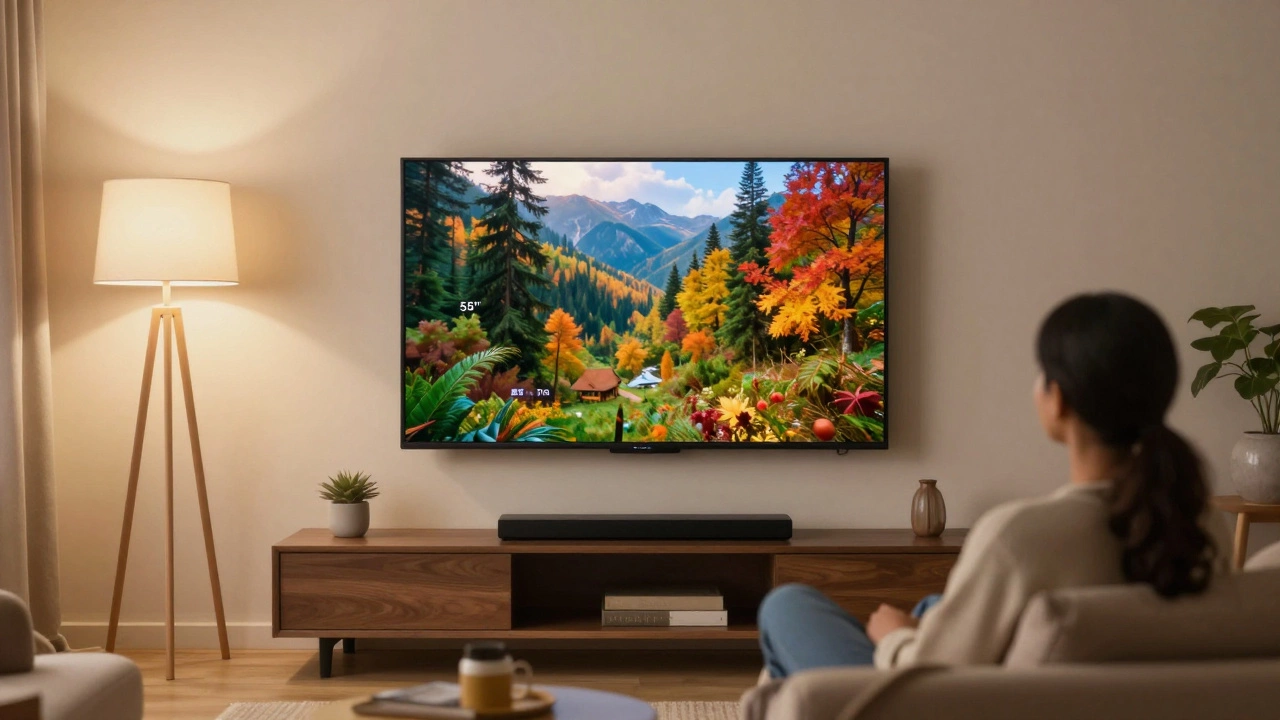
Ever sat too close to your 55-inch TV and felt like you’re inside the movie? Or maybe you’ve backed up so far that the screen feels like a postage stamp? Getting the right distance isn’t just about comfort-it’s about seeing every detail without straining your eyes or missing the drama.
Start with the basics: 55 inches means what?
A 55-inch TV measures diagonally from corner to corner. That’s about 140 centimeters. But the size doesn’t tell you everything. What matters is how much of your field of vision it fills. The sweet spot balances immersion with eye comfort. Too close, and you’ll see pixel gaps and motion blur. Too far, and you lose the cinematic punch.The 1.5 to 2.5 rule: Simple math for perfect viewing
The easiest way to find your ideal distance is using the 1.5 to 2.5 times rule. Multiply the screen size in inches by 1.5 for the closest comfortable spot, and by 2.5 for the farthest. For a 55-inch TV:- Minimum distance: 55 × 1.5 = 82.5 inches (about 2.1 meters)
- Maximum distance: 55 × 2.5 = 137.5 inches (about 3.5 meters)
Resolution changes everything
Not all 55-inch TVs are the same. If yours is 1080p, you’ll want to stay closer to the 2.5x rule. At 2.1 meters, you might start seeing individual pixels, especially during fast scenes. But if you’ve got a 4K model, you can sit as close as 1.5x without losing quality. A 4K TV packs four times the pixels of HD. That means you can sit at 2.1 meters and still see a smooth, sharp image. In fact, sitting closer to 2.1 meters makes 4K feel more immersive-like you’re in the room with the characters.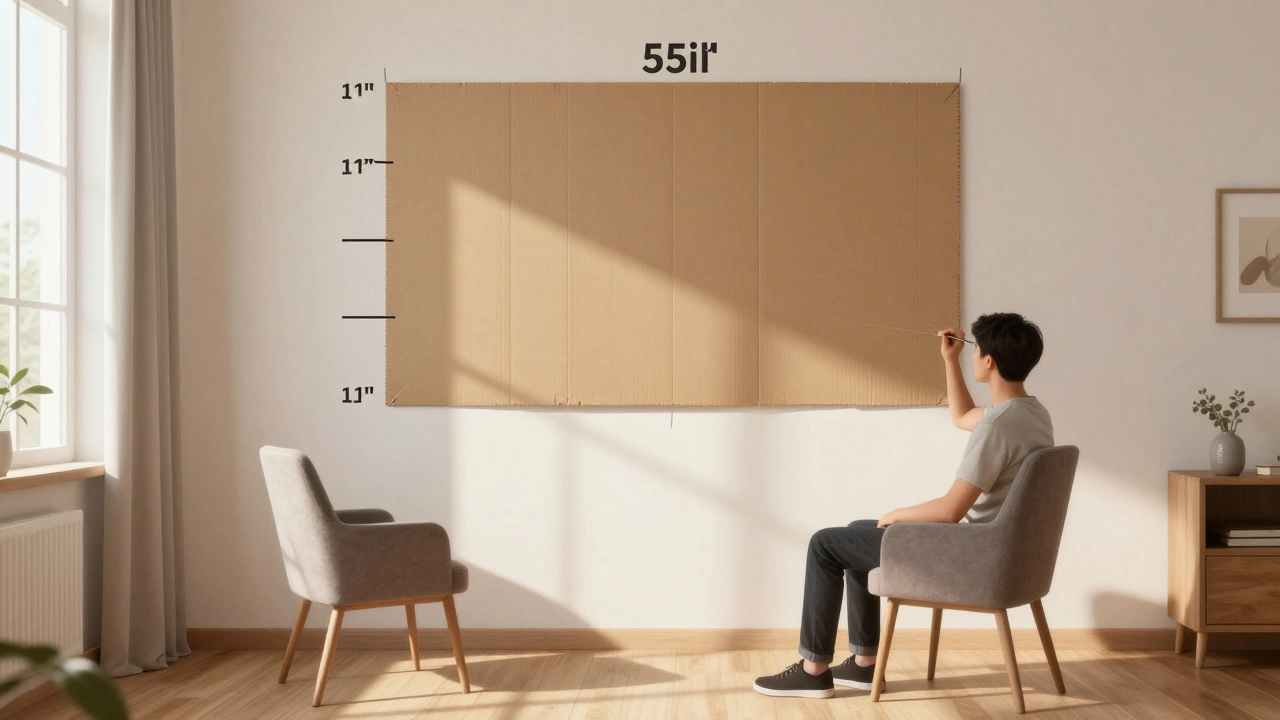
Room layout and TV stand placement
Your TV stand isn’t just a shelf-it’s part of your viewing experience. If your stand is too low, you’ll be looking down at the screen. Too high, and your neck aches after 20 minutes. The center of the screen should be at eye level when you’re seated. In most living rooms, that means mounting the TV about 1 meter off the floor. If you’re using a stand, make sure it’s tall enough. A 55-inch TV on a low console often forces you to tilt your head up, which isn’t sustainable for long movie nights. Also, avoid placing the TV in a corner unless you have a wide-angle viewing panel. Most TVs have limited side viewing angles. If you’re sitting at a 45-degree angle, colors wash out and contrast drops. Keep the TV facing the main seating area, not the side wall.What about 8K or OLED? Does it change anything?
8K TVs are rare and expensive, and most people don’t have 8K content to watch. Even if you do, the human eye can’t tell the difference beyond 1.5x the screen size in a typical living room. So unless you’re sitting less than 1.5 meters away (which is practically on top of the TV), 8K won’t change your ideal distance. OLED TVs, on the other hand, improve contrast and blacks, not resolution. That means you can sit closer without losing image quality. In fact, many OLED owners prefer sitting around 2 meters away because the deep blacks and vibrant colors feel more lifelike at that range.Common mistakes people make
Most folks pick a TV size based on what fits on their stand, not what works for their room. Here’s what goes wrong:- Putting a 55-inch TV in a tiny apartment and sitting 1.5 meters away-your eyes get tired fast.
- Placing the TV too high on the wall because the stand doesn’t fit under the shelf.
- Ignoring lighting. A TV facing a window will wash out during the day. A bright lamp behind you causes glare on the screen.
- Buying a bigger TV because it looks impressive in the store, then realizing you can’t sit far enough back in your actual living room.
Test it out before you commit
Don’t guess. Try it. Tape a 55-inch rectangle (use cardboard or a printed template) on your wall at eye level. Sit in your usual spot with your favorite chair. Watch TV for 30 minutes. Does your neck hurt? Do you feel like you’re missing details? Move the template closer or farther until it feels natural. Do this at different times of day. Morning light, evening dimness-they all affect how your eyes react. The goal isn’t perfection. It’s comfort over time.What if your room is too small or too big?
If your living room is under 2 meters from the wall to the couch, a 55-inch TV is too big. You’ll feel overwhelmed. Go for a 43-inch or 50-inch instead. If your room is over 4 meters, the 55-inch screen will look small. Consider a 65-inch or larger. Some people think bigger is always better. But if you’re squinting or leaning forward, you’ve gone too far. The best TV size is the one you forget is there because it just feels right.Final tip: Match your TV to your habits
If you watch a lot of sports or play video games, sit closer-around 2.1 to 2.4 meters. Fast motion benefits from more screen real estate filling your vision. If you mostly watch news, documentaries, or chat shows, you can sit farther back-closer to 3 meters. You don’t need every detail; you’re listening more than watching. Your TV isn’t just a screen. It’s part of your daily routine. Get the distance right, and you’ll enjoy it more-every time you turn it on.Is 2 meters too close for a 55-inch TV?
It’s fine if your TV is 4K. At 2 meters (about 6.5 feet), a 55-inch 4K screen fills your field of view nicely without showing pixels. But if it’s HD (1080p), you’ll start to see the image break up. Stick to 2.4 meters or more for HD models.
Can I mount a 55-inch TV above a fireplace?
You can, but it’s not ideal. TVs mounted above fireplaces are usually too high-your neck will strain looking up. If you must, choose a tilting mount so you can angle the screen down toward your eyes. Keep it no higher than 1.2 meters from the floor. Better yet, use a low TV stand and place the fireplace to the side.
Does room lighting affect viewing distance?
Yes. Bright lights behind the TV cause glare and force your eyes to work harder. If your room has windows or lamps shining on the screen, you might feel like you need to sit farther away to reduce the glare. Fix the lighting first-use blackout curtains or move lamps. Then adjust your seating distance based on comfort, not avoidance.
What if I have multiple seating areas?
If you have a long sofa or multiple chairs, aim for the center seat to be at the ideal distance (around 2.7 meters). Side seats will be at an angle, so make sure the TV has wide viewing angles (IPS panel or OLED). Avoid seating farther than 3.5 meters, or the image will feel too small. For large rooms, consider a 65-inch TV instead.
Should I use a soundbar with my TV stand?
A soundbar improves audio, but it shouldn’t block the TV’s view. If your TV stand is narrow, choose a slim soundbar that fits under the TV without sticking out. Make sure it doesn’t raise the TV too high. Some soundbars come with built-in mounts or wall brackets-use those if your stand is too shallow. Always test the setup before final placement.