
55-Inch TV Viewing Distance Calculator
Configuration
Recommended Distance
Configure your settings and click calculate to find your perfect spot.
Visual Guide
You just hauled that massive 55-inch TV into your living room. It looks incredible on the wall or your new TV stand. But now you’re stuck. If you sit too close, it feels like you’re staring at a billboard from the front row. Sit too far back, and all those crisp details in 4K get lost in the blur of your peripheral vision.
So, where do you put the couch? The short answer is about 3.5 to 4.5 feet (roughly 1 to 1.4 meters) away from the screen. That’s the sweet spot for most people watching standard 4K content. But if you love high-definition sports or play competitive video games, you might want to get a bit closer. Let’s break down exactly how to find your perfect seat without guessing.
The Science Behind the Sweet Spot
It’s not just about personal preference; there’s actual math behind this. Organizations like the Society of Motion Picture and Television Engineers (SMPTE) and the Consumer Technology Association (CTA) have spent decades studying how our eyes perceive images. They don’t just guess; they measure visual acuity.
The general rule of thumb used by these groups suggests that for a fully immersive experience, your viewing angle should be between 30 and 40 degrees. For a 55-inch screen, this translates to that 3.5-to-4.5-foot range we mentioned earlier. At this distance, your eye can resolve the individual pixels of a 4K display without seeing the grid pattern, but the image still fills enough of your field of view to feel engaging.
If you sit closer than 3 feet, you start noticing the pixel structure, especially if the TV isn’t a top-tier OLED or QLED model. You’ll also strain your neck turning side-to-side to catch action happening at the edges of the screen. Go further than 5 feet, and the TV starts looking like a small window rather than a portal into another world. The immersion breaks, and you lose the impact of the visuals.
Resolution Changes Everything
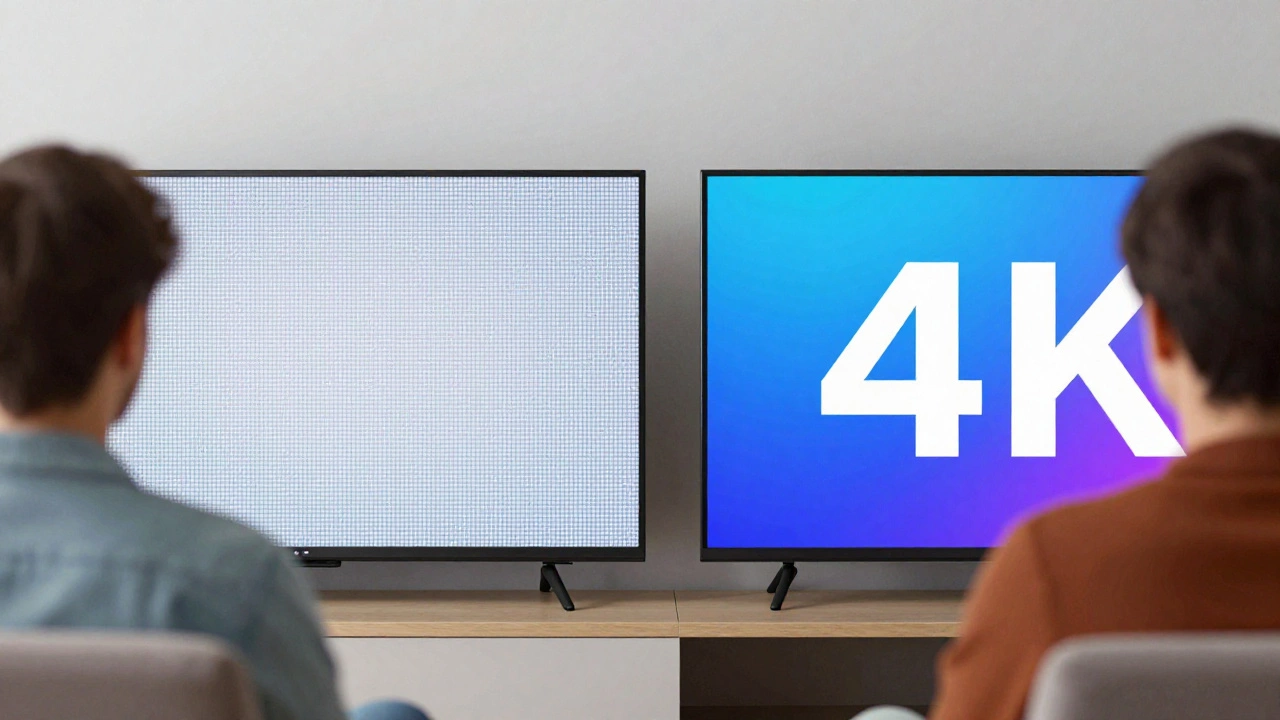
Not all TVs are created equal, and the resolution plays a huge role in how close you can sit comfortably. A 55-inch TV with 4K Ultra HD resolution (3840 x 2160 pixels) packs four times as many pixels as an older 1080p Full HD set. This density allows you to sit closer without losing clarity.
- For 4K UHD Content: Aim for 3.5 to 4.5 feet. This is where the extra detail shines. You’ll see textures in fabrics, skin pores in close-ups, and fine details in landscapes.
- For 1080p or Lower Quality Streams: You might need to step back to 5 feet or more. Standard definition content looks blocky and blurry when viewed up close because there simply aren’t enough pixels to fill the large screen area smoothly.
- For HDR and High Bitrate Sources: If you’re watching Blu-rays or premium streaming services like Netflix 4K or Disney+ in Dolby Vision, stick to the closer end of the range (around 3.5 feet). The dynamic range and color depth reward closer viewing.
Think about what you actually watch. If your main diet is YouTube videos uploaded on phones or older cable broadcasts, sitting too close will highlight the compression artifacts. But if you’re a movie buff with a library of 4K discs, getting closer enhances the director’s intent.
Room Layout and Furniture Constraints
In theory, measuring three and a half feet is easy. In practice, your living room probably has walls, doorways, and existing furniture that don’t care about SMPTE guidelines. This is where your choice of TV Stand becomes critical.
A bulky, deep entertainment center might push the TV further out into the room, inadvertently increasing your viewing distance. Conversely, a slim console or a wall-mounted bracket pulls the screen flush against the wall, allowing you to place your sofa closer. When shopping for a stand, look at the depth. A stand that is 18 inches deep adds significant space between the wall and the TV compared to a 10-inch deep unit.
Consider the shape of your seating arrangement too. If you have a sectional sofa, the corner seat might be significantly further away than the middle seats. In this case, aim for the average distance of all primary viewers. If one person is always watching from the armchair across the room, you might need to compromise slightly towards the longer end of the recommended range to keep everyone comfortable.
Gaming and Sports: The Exception to the Rule
If you use your TV primarily for gaming or watching fast-paced sports, the rules shift. Competitive gamers often prefer to sit closer-sometimes as close as 2.5 to 3 feet-to react faster to visual cues. The larger apparent size of the screen helps them spot enemies or objectives quicker. Similarly, sports fans benefit from being closer to read player numbers and follow the ball during rapid plays.
However, this comes with a trade-off. Sitting very close requires more head movement to track action across the entire width of the screen. If you’re playing single-player narrative games or watching movies, this constant turning can become fatiguing over time. For mixed-use households, sticking to the 3.5-foot mark usually offers the best balance between immersion and comfort.
Measuring Correctly: Avoid Common Mistakes
When you measure the distance, make sure you’re doing it right. Many people measure from the wall to the front of the sofa, which doesn’t account for the thickness of the cushions or the tilt of the TV. Here’s how to get an accurate reading:
- Measure from Eye Level: Sit in your usual spot. Measure from your eyes to the center of the TV screen, not the bottom edge.
- Account for TV Depth: If the TV is on a stand, add the depth of the stand plus any gap between the TV and the wall to your measurement.
- Check the Angle: Ensure you’re facing the screen directly. Angled views distort the perceived distance and can cause glare issues.
Use a tape measure and have someone help you hold it while you sit naturally. Don’t slouch or lean forward artificially. Your posture affects your focal length and comfort. Once you have the number, compare it to the 3.5-to-4.5-foot guideline. If you’re outside this range, consider moving the furniture or adjusting the TV mount height to optimize the angle.
Lighting and Glare Considerations
Distance isn’t the only factor affecting your viewing experience. Lighting in the room can make even the perfect distance feel wrong. If you have windows directly opposite or beside your TV, glare can wash out the image, forcing you to squint or move your position.
Blackout curtains or blinds can solve this issue instantly. Alternatively, positioning the TV perpendicular to light sources rather than facing them reduces reflections. Some modern TVs come with anti-glare coatings, but they aren’t magic bullets. Proper room lighting control is essential for maintaining the contrast and color accuracy that justify investing in a high-quality display.
Is 6 feet too far for a 55-inch TV?
Yes, 6 feet is generally considered too far for a 55-inch TV if you want an immersive experience. At this distance, the screen will appear relatively small in your field of view, reducing the impact of 4K details. You might miss subtle visual elements and feel less connected to the action. For 6 feet, a 65-inch or larger TV would be more appropriate.
Can I sit closer than 3 feet for gaming?
Yes, many gamers sit between 2.5 and 3 feet from their 55-inch TV to gain a competitive advantage. This closer distance allows for faster reaction times and better visibility of small on-screen details. However, be aware that this may increase neck strain during long sessions due to the wider horizontal scanning required.
Does the type of TV stand affect viewing distance?
Absolutely. A deep TV stand pushes the screen further into the room, effectively increasing your viewing distance. Choosing a shallow console or wall-mounting the TV can bring the screen closer to the wall, allowing you to position your sofa nearer to the ideal 3.5-foot range without bumping into furniture.
What if my room is smaller than 3.5 feet wide?
If your room is narrower than 3.5 feet, a 55-inch TV might be too large. You could experience eye strain and notice pixelation. Consider downsizing to a 43-inch or 49-inch model, which fits better in tight spaces while still providing a good viewing experience. Alternatively, ensure you have ample clearance around the TV to avoid feeling cramped.
How does 4K resolution change the recommended distance?
4K resolution allows you to sit closer than you would with 1080p content because the higher pixel density means you won't see individual pixels as easily. For 4K, the recommended distance is 3.5 to 4.5 feet. For lower resolutions, you should sit further back, around 5 feet or more, to avoid seeing blocky or blurry images.