
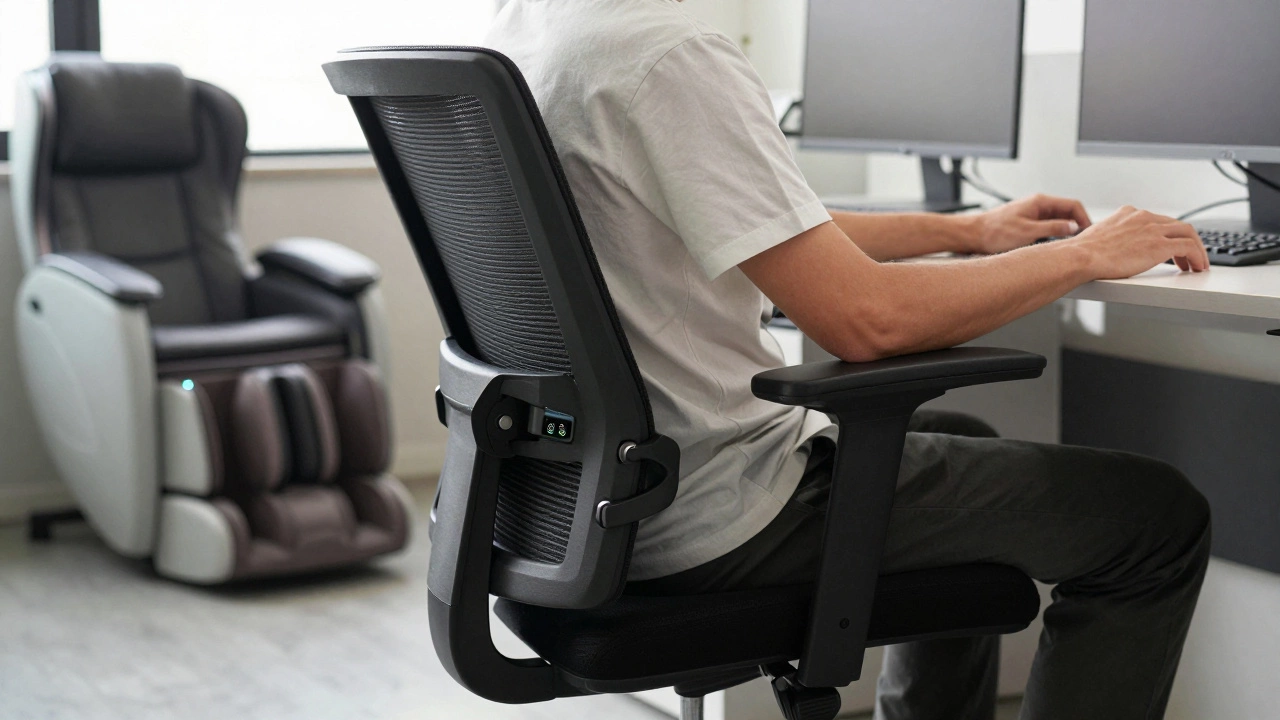
Office Chair Feature Checker
Check Your Chair Against the 80/20 Rule
Does your office chair have the essential 20% of features that deliver 80% of comfort and posture support? Check the 5 key features below.
Check your chair features above to see if you're meeting the 80/20 rule requirements.
Most people buy office chairs based on looks, brand, or price. But here’s the truth: 80% of your comfort, posture, and even daily productivity comes from just 20% of the chair’s features. If you’re spending hours at a desk, ignoring this rule means you’re wasting money-and possibly hurting your back.
What the 80/20 Rule Actually Means for Office Chairs
The 80/20 rule, or Pareto Principle, says that a small number of causes lead to most of the effects. In office chairs, that means a few key adjustments and design elements deliver the vast majority of your comfort and health benefits. You don’t need a chair with 15 levers, memory foam, LED lights, or Bluetooth speakers. You need the right 20%.
Think of it like driving a car. You don’t need all the bells and whistles to get from point A to point B. You need good brakes, a reliable steering wheel, and a seat that supports your spine. The same goes for your chair. The extra features? They’re noise. The core ones? They’re everything.
The 20% That Matters Most
Here’s the real 20% you should focus on:
- Seat depth adjustment - Your thighs should have 1-2 inches of space between the edge of the seat and the back of your knees. Too shallow? Your legs dangle. Too deep? Your lower back loses support.
- Lumbar support - Not just any padding. It needs to curve into the natural dip of your lower spine. Adjustable height and depth? Even better.
- Armrests that move - They should adjust in height, width, and angle. If your shoulders hunch or your wrists bend awkwardly typing, the armrests are failing you.
- Height adjustment - Your feet should rest flat on the floor, knees at 90 degrees. If you need a footrest to make this work, your chair is too high.
- Swivel and rolling base - A five-point base with smooth-rolling casters lets you reach things without twisting your spine. Static chairs kill mobility-and increase strain.
That’s it. Five features. That’s your 20%. Everything else-breathable mesh, recline tension, headrests, massage functions-is bonus. Nice to have, but not necessary.
Why Most People Get It Wrong
Big brands sell chairs with 12 adjustment points. Marketing teams call them “ergonomic masterpieces.” But here’s what happens: people spend hours fiddling with levers, never finding the right setting. Or worse-they buy a chair because it looks modern, then sit in it for 8 hours a day with their lower back unsupported.
A 2023 study from the University of Melbourne’s Human Factors Lab tracked 217 office workers over six months. Those who used chairs with proper lumbar support and adjustable seat depth reported 47% fewer lower back complaints. Those who bought “premium” chairs with extra features but skipped those two basics? Their pain levels didn’t improve.
It’s not about spending more. It’s about spending wisely.
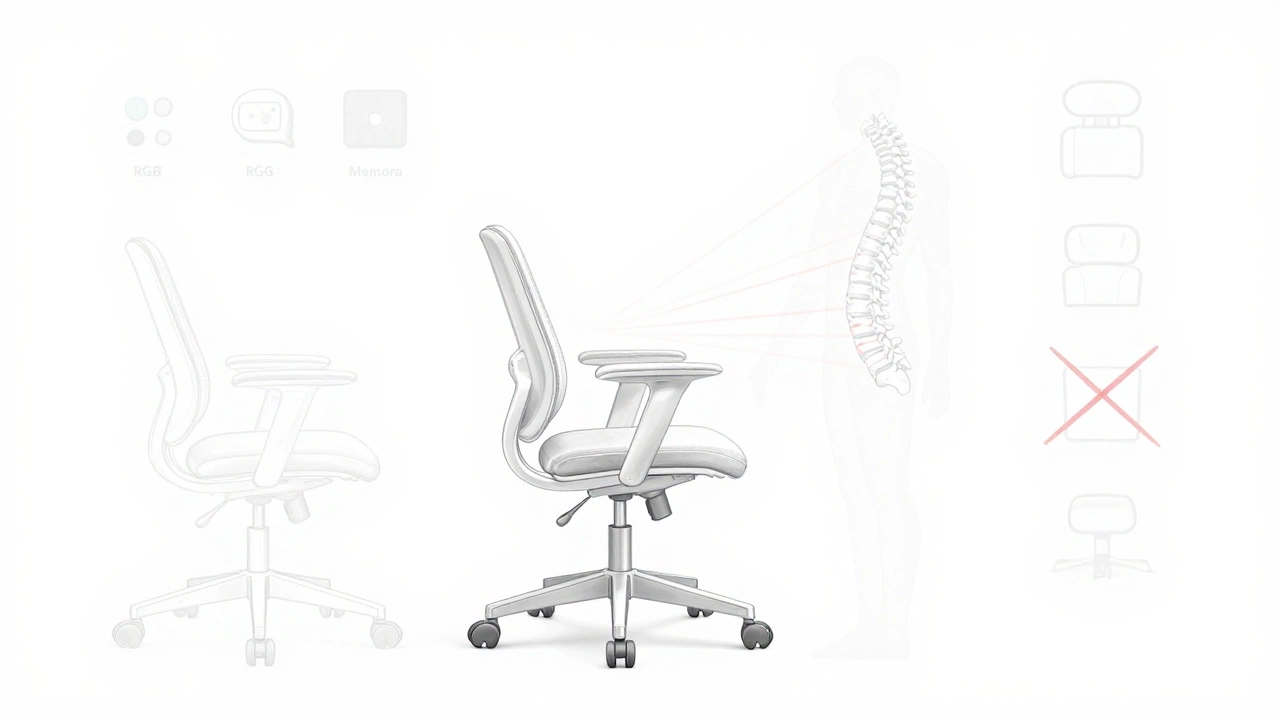
How to Apply the 80/20 Rule When Buying
Before you click “buy,” ask yourself these five questions:
- Can I adjust the seat depth easily, without tools?
- Is the lumbar support adjustable in height and depth?
- Do the armrests move in at least three directions?
- Can I raise or lower the chair so my feet are flat and knees are bent at 90 degrees?
- Does the base roll smoothly on my floor type (carpet, hardwood, tile)?
If the answer to any of these is “no,” walk away. Even if it’s on sale. Even if it has a 5-star review.
Look for chairs that list these specs clearly. Brands like Herman Miller, Steelcase, and Humanscale get it right. But so do some lesser-known brands like Autonomous or Haworth. Price isn’t the indicator. Features are.
What You Can Skip (And Save Money On)
Here’s what doesn’t move the needle for 80% of users:
- Memory foam cushions - They compress over time and offer no real posture support.
- Heated or massaging functions - Useful for relaxation, not for long-term sitting.
- RGB lighting - Seriously? It doesn’t help your spine.
- Multiple recline angles - If you can’t adjust lumbar and seat depth, reclining just puts more pressure on your discs.
- Leather upholstery - It traps heat and doesn’t improve support. Mesh is better for airflow and posture.
These features inflate the price. They don’t improve your health. Avoid them unless you have a very specific need-like chronic circulation issues, which would require medical advice, not a fancy chair.
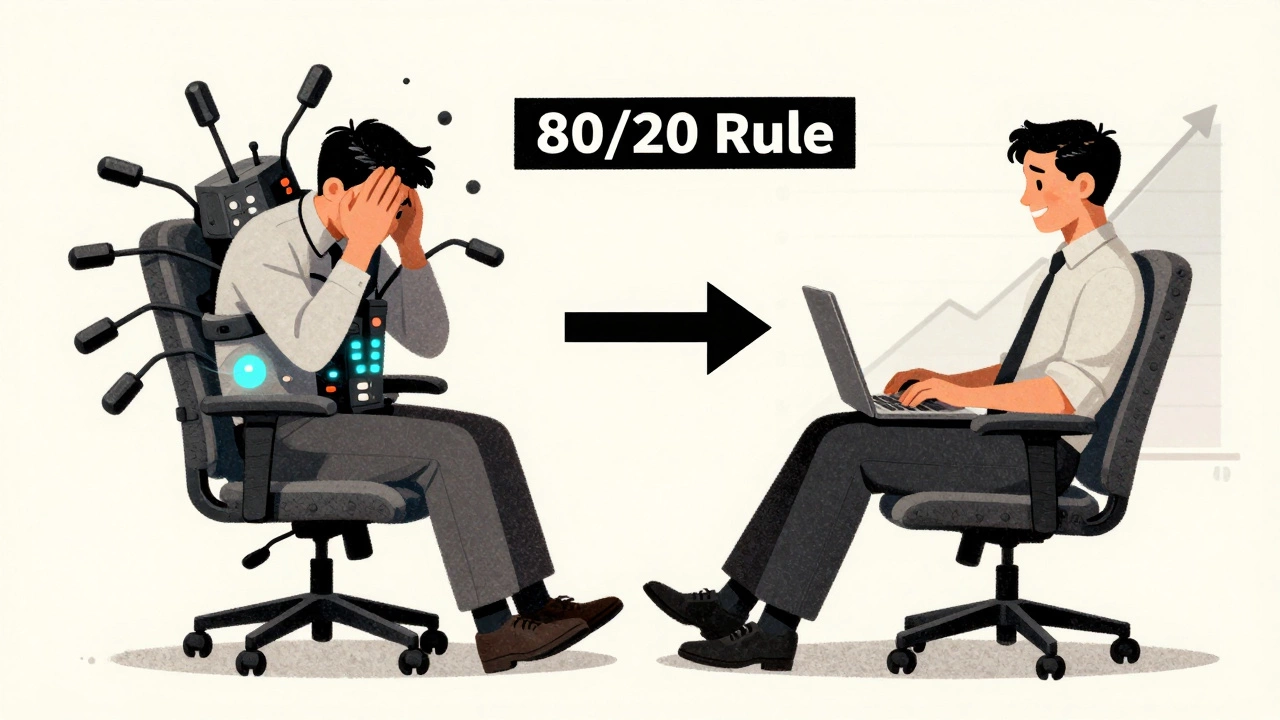
Real-World Example: Sarah’s Story
Sarah, a freelance designer in Melbourne, spent $800 on a chair with 14 adjustments, a headrest, and a built-in footrest. After two weeks, she had lower back pain every afternoon. She couldn’t figure out why.
She switched to a $350 chair with just the five core features. No headrest. No massage. No lights. Just adjustable lumbar, seat depth, armrests, height, and a solid base. Within three days, her pain dropped. By the end of the month, she was working longer hours without discomfort.
Her old chair? She donated it.
Don’t Just Buy a Chair-Build a System
The chair is only part of the equation. Pair it with:
- A desk at elbow height
- A monitor at eye level
- A footrest if your feet don’t reach the floor
- Regular movement breaks (every 30 minutes)
Even the best chair won’t fix a bad setup. But the right chair, used right, can prevent most sitting-related pain.
Bottom Line
You don’t need the fanciest, most expensive office chair. You need one that supports your spine, lets you move naturally, and fits your body. Focus on those five key features. Ignore the rest. That’s the 80/20 rule in action.
Save your money. Save your back. Sit smarter.
Is the 80/20 rule only for expensive office chairs?
No. The 80/20 rule applies to any chair, regardless of price. You can find chairs under $300 with proper lumbar support, adjustable seat depth, and functional armrests. What matters isn’t the cost-it’s whether the chair has the five core features that actually affect comfort and posture.
Can I use a gaming chair instead of an office chair?
Most gaming chairs lack proper lumbar support and seat depth adjustment. They’re designed for short bursts of activity, not 8-hour workdays. Some high-end gaming chairs now include these features, but they’re the exception. If your gaming chair doesn’t let you adjust the lumbar and seat depth, it’s not ideal for daily office use.
How do I know if my chair’s lumbar support is working?
Sit back and let your spine relax. If your lower back feels supported without you having to push into it, the lumbar is right. If you feel a gap or pressure, it’s too low, too high, or too stiff. Adjust it until your spine feels naturally aligned-no effort needed.
Should I buy a chair with a headrest?
Only if you frequently lean back to rest or watch videos during breaks. For typing or focused work, a headrest can encourage poor posture by pulling your neck forward. Most people don’t need one. Skip it unless you have a specific reason.
How long should an office chair last?
A well-made chair with the right core features should last 7-10 years. Cheaper chairs often break down in 2-3 years, especially the gas lift or wheels. If you’re buying a chair that costs less than $200, expect to replace it sooner. Think long-term: spend a bit more now to avoid pain and replacement costs later.